
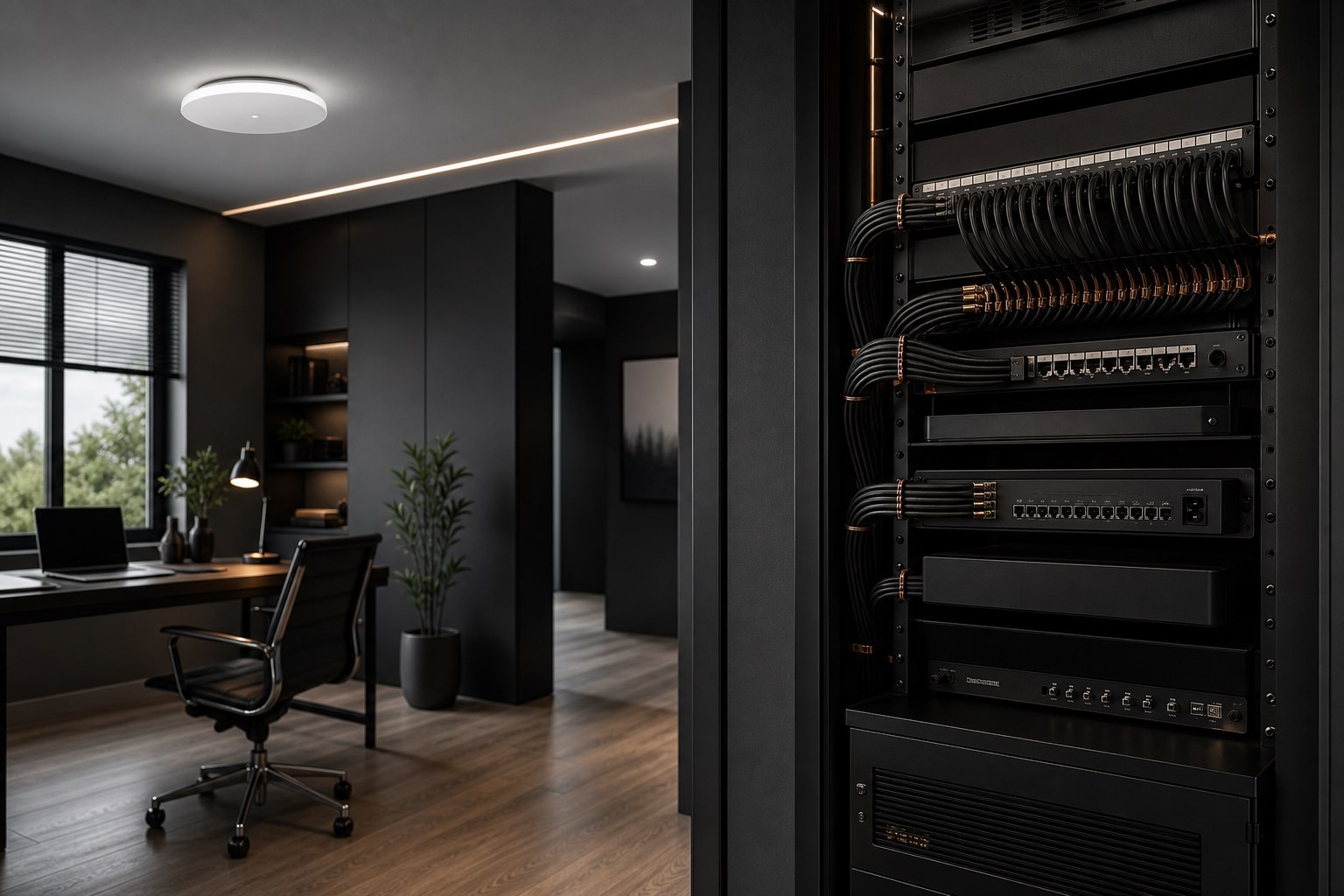
Why Fast Internet Still Feels Slow: Better Wi-Fi for Homes and Small Businesses
A fast internet package is only one part of a fast network. If video calls freeze, games spike in latency, streams drop frames, or devices lose signal in certain rooms, the bottleneck may be inside the property rather than at the internet provider.
Reliable networking is a system-design problem. The modem, router, access points, switches, cabling, device capabilities, building materials, radio interference, and configuration all affect the result. For larger homes, premium home offices, creator studios, and small businesses, replacing one router with a newer router is not always enough.
Internet speed and Wi-Fi quality are different
Your internet plan describes the connection between your provider and your modem or gateway. Wi-Fi is the local wireless link between that gateway—or another access point—and your devices. A strong result requires both paths to perform well.
That is why a wired speed test beside the modem can look excellent while a laptop two floors away performs poorly. The external connection may be delivering its promised capacity, but distance, walls, neighbouring networks, radio congestion, or weak placement can reduce the quality of the wireless link.
Speed-test numbers also do not tell the whole story. Gaming, streaming, remote desktops, cloud applications, and voice calls are sensitive to latency, jitter, packet loss, and brief interruptions. A connection can show a high peak download speed and still feel inconsistent during real work.
The most common causes of weak or unstable Wi-Fi
Poor access-point placement
Wi-Fi equipment hidden in a utility room, basement corner, metal cabinet, or behind dense construction has to overcome an avoidable disadvantage. A central, elevated, and open location generally provides a better starting point, but every property has different coverage obstacles.
Too much distance or too many barriers
Concrete, brick, tile, mirrors, metal, radiant barriers, appliances, and multiple floors can absorb or reflect radio signals. The solution is often multiple properly placed access points connected through a designed network—not one radio operating at maximum power.
Interference and poor channel planning
Nearby Wi-Fi networks and other radio devices compete for airtime. Automatic settings can be useful, but they are not always optimal in a busy environment. Channel width, channel selection, transmit power, and the balance between 2.4 GHz, 5 GHz, and 6 GHz need to suit the location and device mix.
Consumer mesh without a strong backhaul
Mesh systems can improve coverage, but a wireless mesh node must still communicate with the rest of the network. If that backhaul is weak or congested, the node may display a strong local signal while delivering disappointing performance. Ethernet backhaul, structured cabling, or carefully planned wireless links can produce a more dependable result.
An overloaded or poorly segmented network
Modern properties may have computers, phones, televisions, consoles, cameras, speakers, printers, smart-home devices, and guest devices all sharing the same network. Small businesses add point-of-sale systems, cloud services, staff devices, and security equipment. Segmentation and sensible traffic management improve control, security, and troubleshooting.
Where Wi-Fi 6, 6E, and Wi-Fi 7 help
Newer wireless standards can improve capacity, efficiency, and latency when both the access point and client support the relevant features. Wi-Fi 7 introduces capabilities such as Multi-Link Operation, which can use more than one wireless link to improve performance and resilience under suitable conditions.
The important phrase is under suitable conditions. A new standard cannot overcome poor placement, inadequate cabling, radio interference, weak backhaul, or older client devices by itself. The most effective upgrade is the one designed around the building, users, devices, and actual traffic—not simply the largest number printed on the box.
Why wired connections still matter
Ethernet remains the preferred connection for devices that need predictable low latency or sustained throughput. Gaming PCs, streaming systems, workstations, network storage, access points, and fixed office equipment often benefit from a properly installed wired connection.
OBS notes that dropped frames can occur when the connection to a streaming service is unstable or cannot sustain the configured bitrate, and it recommends a wired connection for streaming where possible. That does not make Wi-Fi unsuitable for everyday use; it means critical devices should use the most reliable path available.
A well-designed network blends both approaches: structured wired connections for fixed, performance-sensitive equipment and strong managed Wi-Fi for mobile devices and areas where cabling is impractical.
What a professional network assessment should examine
A useful assessment looks beyond a single speed test. It should consider:
- Internet handoff and modem or gateway configuration
- Property layout, construction materials, and coverage targets
- Existing cabling and opportunities for Ethernet or fibre
- Access-point locations, radio bands, channels, and transmit power
- Device count, client capabilities, and peak usage patterns
- Gaming, streaming, conferencing, cloud, and file-transfer requirements
- Guest, business, smart-home, and security-device separation
- Switch capacity, Power over Ethernet needs, and rack organization
- Network security, firmware maintenance, and remote-management requirements
- Expansion plans and realistic future capacity
2Tech Computing designs premium home and business networks for Maple Ridge clients and demanding environments across BC. For creators, networking can also be coordinated with a complete streaming and content creator setup so the workstation, encoder, audio, cameras, and network operate as one dependable system.
Frequently asked questions
Will a more expensive router fix every Wi-Fi problem?
No. Better hardware may help, but placement, building materials, interference, backhaul, configuration, and client capabilities can remain limiting factors.
Is mesh Wi-Fi the same as enterprise access points?
Both can use multiple nodes, but the architecture, management, wired backhaul options, radio control, segmentation, and monitoring may differ substantially. The right choice depends on the property and required level of control.
Should gaming and streaming PCs use Ethernet?
Whenever practical, yes. A wired connection usually provides more predictable latency and stability for fixed performance-sensitive devices.
Can a network be improved without rewiring the whole building?
Often. Existing cabling, selective new runs, better access-point placement, managed switches, and configuration changes may deliver a strong improvement. The best approach depends on an assessment of the site.
Build the network around the work it must support
If fast internet still feels slow, buying another extender may only hide the underlying issue. Contact 2Tech Computing for a network assessment and a clean, scalable design for your home, studio, or small business.
0 comments