
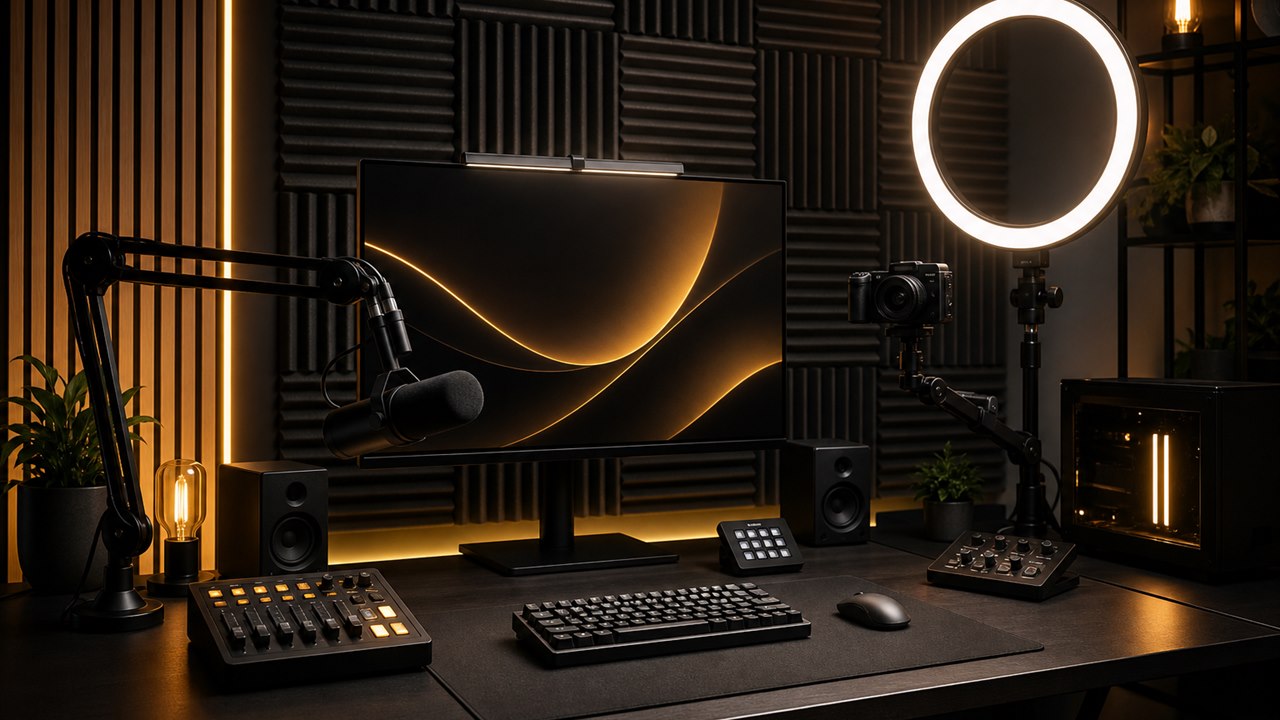
A professional creator setup should let you focus on the broadcast, recording, meeting, or production—not on why the camera disappeared, the microphone is routed incorrectly, or the capture device stopped cooperating. 2Tech Computing designs and configures integrated streaming and content-creation setups for streamers, podcasters, video creators, educators, and professionals across British Columbia.
We connect the computer, software, camera, microphone, audio, lighting, and network as one production environment. The result is a workflow that is easier to operate, troubleshoot, and repeat.
Streaming Workflows Built Around You
Every creator works differently. A gaming streamer may need OBS scenes, game capture, chat audio, microphone processing, and low-latency monitoring. A podcast or interview setup may prioritize camera placement, consistent lighting, clean speech, and straightforward recording. A business creator may need a polished environment for webinars, training, product demonstrations, or remote presentations.
We start with the actual content and workflow before recommending how the equipment should connect.
What We Can Configure
- OBS installation, configuration, scenes, and sources
- Single-PC and dual-PC streaming workflows
- Capture-card and display-routing integration
- Camera and lens positioning within the existing equipment scope
- Condenser and dynamic microphone integration
- Audio interfaces, monitoring, and basic routing
- Headphones, speakers, and communication audio
- Ring lights, key lights, and practical lighting placement
- Webcam, mirrorless, and mounted-camera workflows
- Stream-deck-style controls and repeatable scene operation
- Recording locations, storage, and file-workflow planning
- Network review for streaming stability and upload demands
- Troubleshooting for audio, video, synchronization, and device conflicts
Final capabilities depend on the selected hardware, software, platform requirements, and internet connection.
OBS and Scene Configuration
OBS can be extremely flexible, but flexibility creates complexity. Sources, scenes, audio devices, capture methods, resolutions, frame rates, and output settings must be coordinated with the computer and network.
2Tech configures a practical scene structure and helps reduce common problems such as incorrect audio devices, inconsistent levels, blank capture sources, duplicated sound, synchronization issues, or settings that exceed the available hardware and connection.
Camera, Audio, and Lighting Integration
Image quality is affected by more than camera resolution. Placement, lighting direction, exposure, background, lens choice, and capture method all shape the final result. Audio quality also depends on microphone position, room behaviour, gain, monitoring, and software routing.
We bring these parts together within the approved project scope so the setup looks intentional and remains manageable after installation.
Our Creator Setup Process
- Workflow discovery: We identify the content format, platforms, equipment, workspace, and recurring technical problems.
- Signal planning: Camera, capture, audio, monitoring, display, lighting, and network paths are mapped.
- Configuration: Hardware and software are installed and integrated within scope.
- Testing: Scenes, sources, audio, video, and recording or broadcast workflows are checked together.
- Handover: The client receives a clear walkthrough of the operating sequence and important settings.
Frequently Asked Questions
Do you configure OBS?
Yes. OBS scenes, sources, capture methods, audio devices, and output settings can be configured around the approved streaming or recording workflow.
Can you build a dual-PC streaming setup?
Yes. Dual-PC workflows can be planned and configured when they are appropriate for the equipment, content, and desired production process.
Can you integrate cameras, microphones, and lighting?
Yes. Camera, capture, microphone, audio-interface, monitoring, and lighting components can be integrated within the project scope.
Can you guarantee platform performance or audience growth?
No. 2Tech can improve the technical setup and workflow, but platform reach, audience growth, internet performance, and third-party service behaviour cannot be guaranteed.
Create With a Setup You Can Trust
Contact 2Tech Computing to plan a creator environment that is professional on camera, clean behind the scenes, and practical to operate.